
Install, connect, and start with one useful action.
This guide takes you from a new plugin installation to a baseline you can understand and improve.
Install the plugin
- In WordPress, open Plugins → Add New.
- Upload the RankLyra ZIP or install it from the WordPress directory when available.
- Select Activate.
- Open RankLyra → Overview from the admin menu.
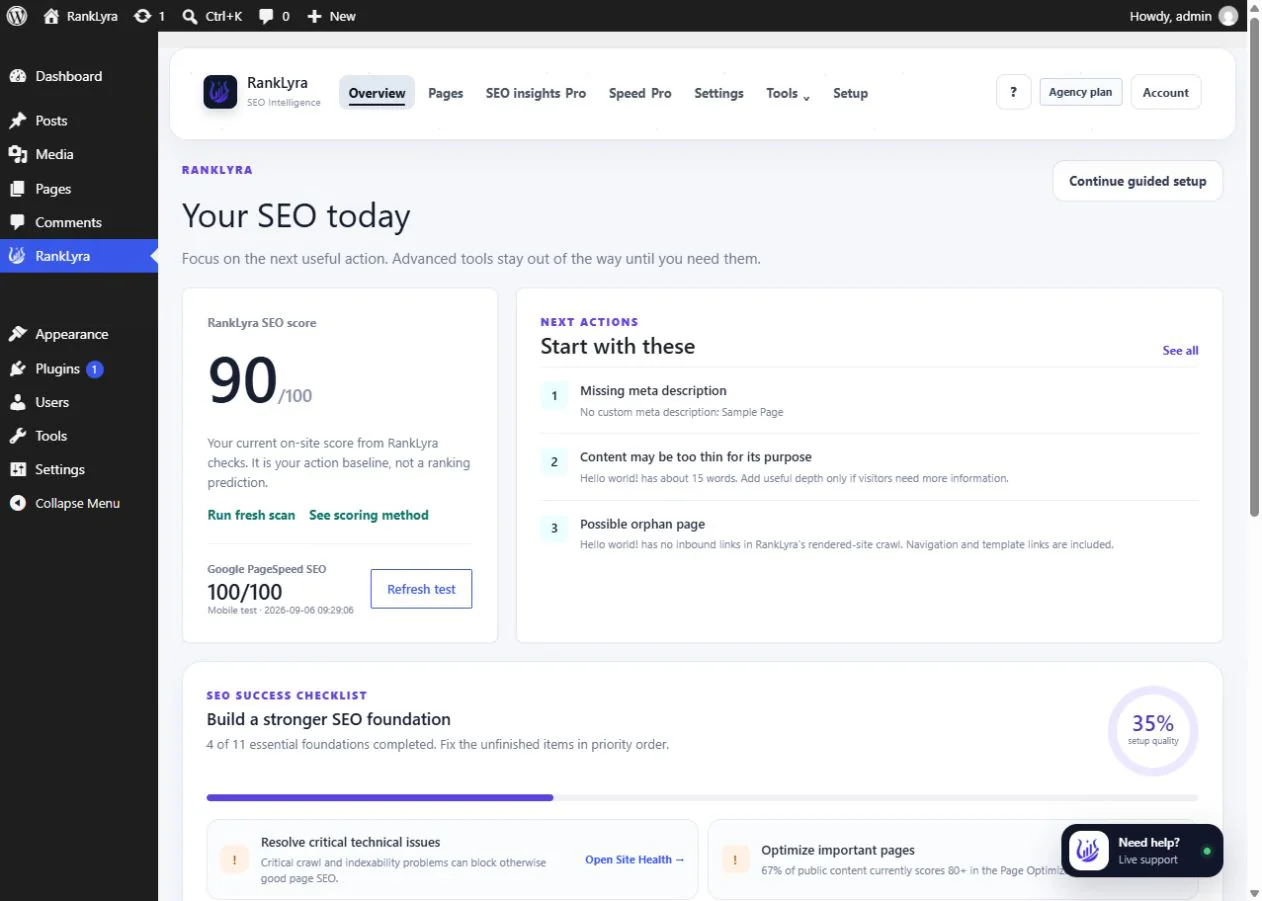
Connect your account and complete setup
Use the connection action in RankLyra, sign in to the customer account, approve the connection, then return to WordPress. Continue through Guided Setup to set your organisation details, site type and search appearance defaults. Do not share passwords or API keys in a support request.
Connection status matters. Local page and technical checks can work without cloud access. AI, licences and account-backed features should clearly say when a site needs to be connected.
Run and read your first scan
- Select Run scan from Overview.
- Wait for the scan to finish.
- Open one high-impact recommendation on an important business page.
- Make a deliberate change, save it, and return to recheck it.
The RankLyra action score reflects controllable SEO evidence. It is not a Google ranking, traffic forecast, or promise of future results.